At a glance
- Package
- Asgard-86 (V1.49q), Paul Gauthier's Citadel-86 derivative, of Sacramento BBS fame
- Lines
- One. Asgard-86 serves the board from one compiled table, so a second line would rebuild the first line's table under it.
- Starting account
- Operator
- Callers page you with
- C at the room prompt
- Console keys
- Answer: Ctrl and I. Break in: Ctrl and I. Leave: Esc twice.
The board
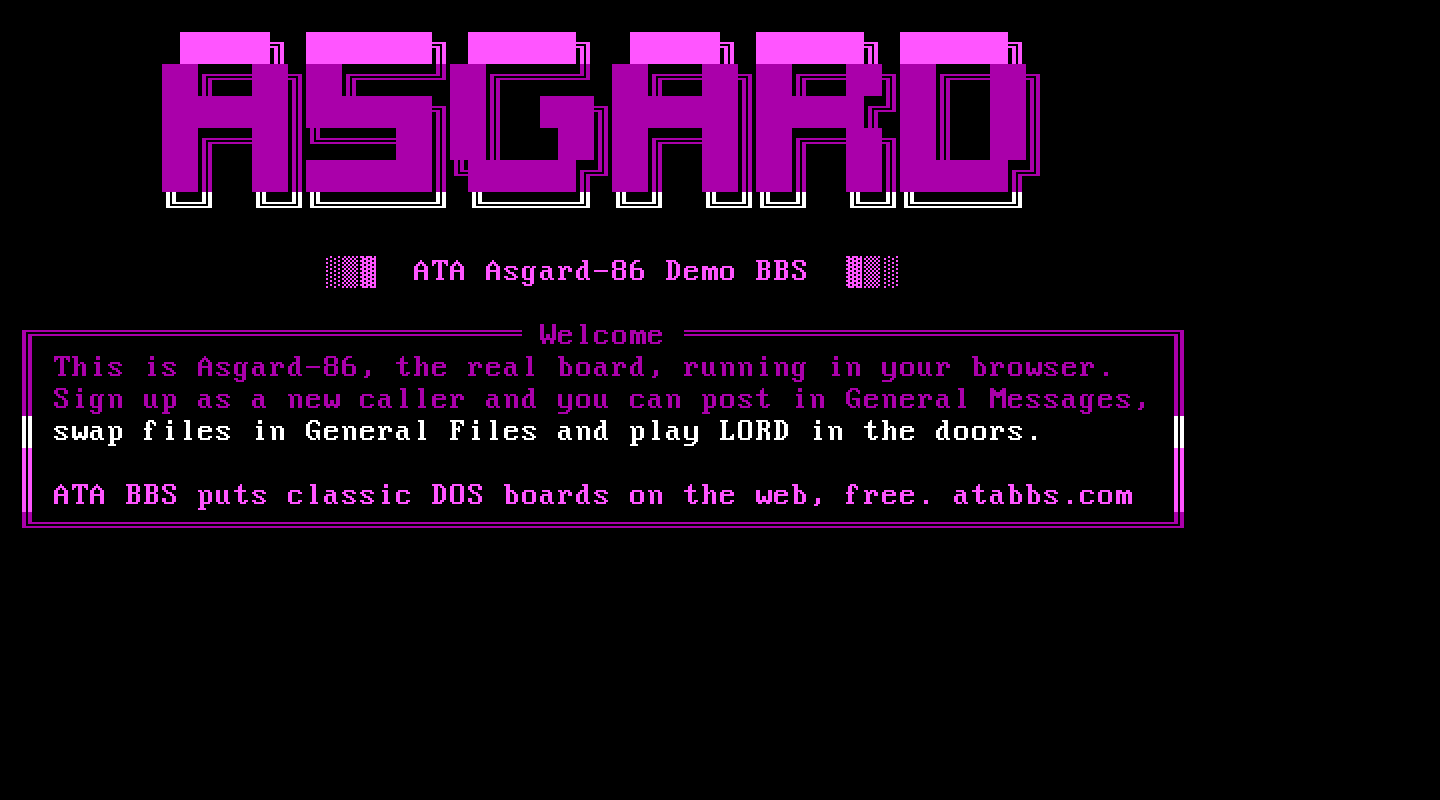
Asgard-86 is a room-based board in the Citadel tradition: no menu tree, but rooms you walk between, each holding a thread of messages. Asgard adds a menu shell in front of the rooms for callers who prefer letters to dot commands.
What ATA set up. COM1 and the right speed in the configuration (the shipped sample ran on somebody's COM2), the scheduled events the sample carried unset (they took the board down at fixed times for a Sacramento machine's mail run), a file room (File Areas, at D:\ASG\FILES, its directory recorded in ASGDIR.SYS), the menu shell's dead Files Door item (it ran a CD-ROM door no copy of the package carries) pointed at that room, and a file area menu written for it.
The DOS page. "Asgard console session" boots Asgard at the system console, where you log on as the operator. "CONFIGUR N" rebuilds the compiled table ASGTABL.SYS from ASGCNFG.SYS after you edit it.
Making it your own. ASG\ASGCNFG.SYS is the whole configuration, one self-documented text file. Edit it through your host's file manager, then run CONFIGUR N. The help screens are in ASG\ASGHELP and the ANSI screens in ASG\ASGANSI, all plain text. The manuals are in the original archive (ASG86MAN.ZIP). The Sysop Menu is Ctrl and L at any room prompt, at the system console: that is where users, rooms and doors are maintained.
Callers. A caller presses L at the greeting, then gives their PASSWORD, then their handle: Asgard's order is the other way round from most boards. A logged-on caller gets the menu shell (a screen of lettered items ending "press the letter of your choice"); a is "Asgard Native Command" and gives the classic room prompt. New members start with no aide or sysop privileges.
Asgard drops input that arrives in a burst: a caller pasting a password may be refused where typing it works.
Files. The file room is a room with a directory: callers reach it with f in the menu shell or .G File Areas at a room prompt, list it, upload with the menu's upload items and download by name. Asgard's own Xmodem and Ymodem are what move the bytes; both directions are proven byte for byte. Asgard's Ymodem upload is single-file 1K (its manual: batch Ymodem is not supported for uploads).
Things to know. Asgard renames its compiled table while it runs; a crashed session leaves a stale copy, which ATA's batch deletes at the start of the next call and rebuilds (about nine seconds). The room editor's full set of options, including making a directory room, is only available at the system console, not to a remote caller.
Legend of the Red Dragon on Asgard-86
The steps every board shares (getting LORD, LORDCFG, the wrapper batch) are in the door guide. This is what is particular to this board.
Drop file: DORINFO1.DEF, in D:\ASG. LORDCFG: (5) RBBS16+, path d:\asg\. Asgard is one line, so node 1 is all you need.
Batch: D:\ASG\LORD.BAT (on your host, ASG/LORD.BAT in the board folder):
@ECHO OFF
D:
CD \DOORS\LORD
CALL START.BAT %NODE%
CD \ASG
The door record. Asgard keeps its doors in ASGDOORS.SYS, written by its own door editor:
- On the DOS page, press "Asgard console session" and Boot. Log on as the operator.
- At a room prompt, press Ctrl and L for the Sysop Menu, then O (Other commands), then M (Maintain doors), then A (Add a door).
- Answer its questions:
- User entry code:
LORD - Description:
Legend of the Red Dragon - Program name (no extension):
LORD - Path of program:
D:\ASG - Access level:
1(all users) - Internal door:
N(external: only about 20K of Asgard stays in memory) - Get text back from door:
N - QBBS time limit:
60(it must be above zero) - Must have ANSI to use:
N; Check previous user:N; Use time controls:N - Number of parameters:
0
- User entry code:
- Leave the door menu with X and the Sysop Menu, and terminate cleanly.
How callers get there. At any room prompt, .Enter Door LORD (.E D LORD). Asgard exits to its batch with errorlevel 4, the batch runs the door through ASGDOOR, and loops back into Asgard, which picks the caller up where they were. ATA's batch carries that loop already.
A letter on the menu shell. The shell's screens are ASG\ASGHELP\MNUT0000.HLP (members) and ASGT0000.HLP (new callers): the item list, then one macro line per letter, starting at a. As shipped, the twelfth macro (letter l) only redraws the menu. Replace that line with:
~.E D LORD\n~P~.H MNUT0000 \n~and add a line such as L) Legend of the Red Dragon to the item list above the macros, in both files. Members then press l.