At a glance
- Package
- Citadel-86e, Farokh Irani's freeware build of the room-based Citadel (the Citadel-86 line, from the original by Cynbe ru Taren)
- Lines
- One, by design: one program serves the board from one compiled table.
- Starting account
- Operator
- Callers page you with
- C at the room prompt
- Console keys
- Answer: Ctrl and I (forces chat). Break in: Ctrl and I. Leave: Esc.
The board
What ATA set up. COM1 and the right speed (the shipped sample ran on COM4), a file room Atafiles at D:\CTDL\FILES with its directory made, and a compiled world built from that configuration, so the first call does not have to build it.
The DOS page. "Citadel console session" logs you on at the machine (rebuilding the compiled table first if it is missing). "CONFG" compiles CTDLCNFG.INP into CTDLTABL.SYS.
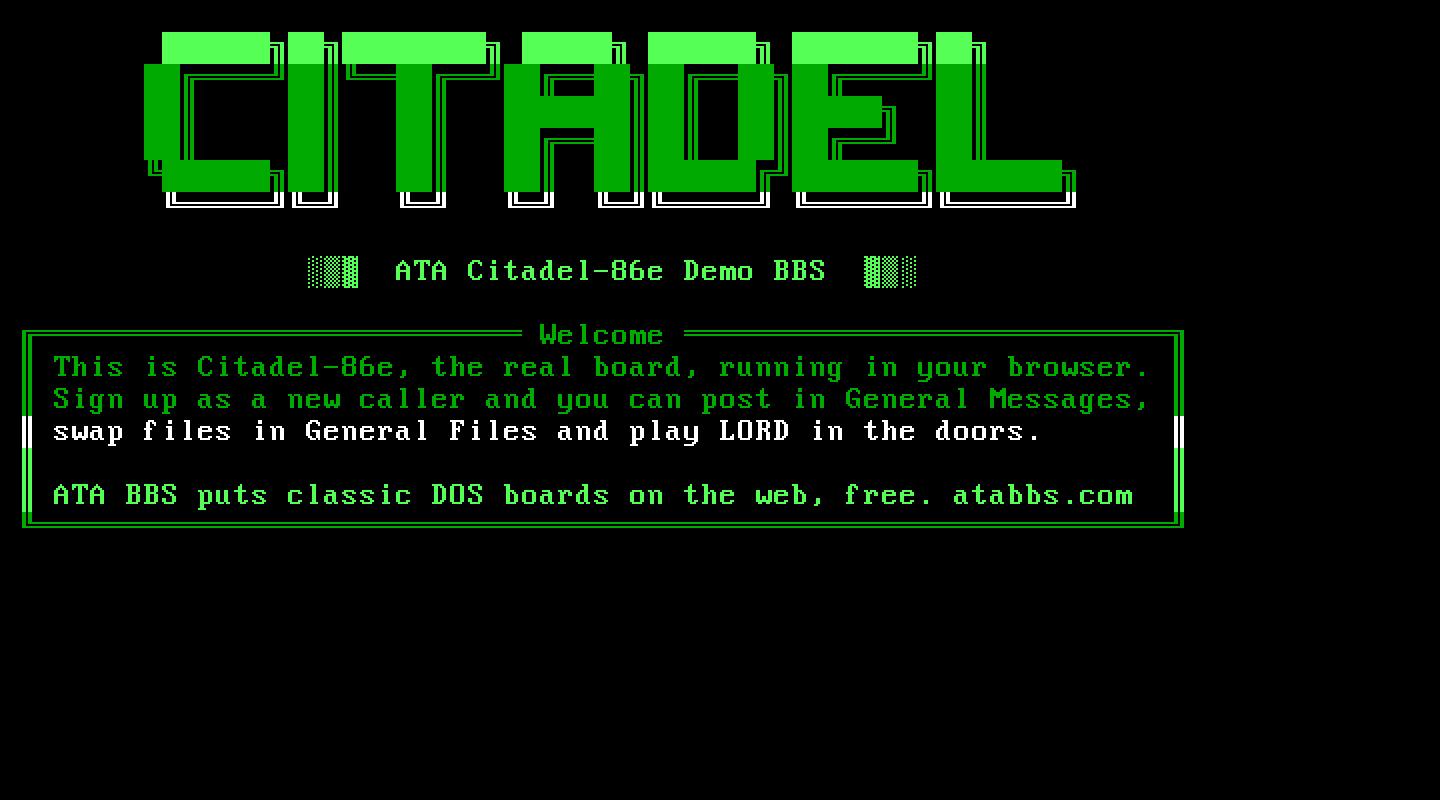
Making it your own. CTDL\CTDLCNFG.INP is the whole system configuration as a plain text file (CTDLCNFG.NEW beside it is the shipped, fully documented sample). Edit it through your host's file manager, then run CONFG. CTDLTEXT.INP holds every prompt the board speaks; the .HLP files are the help screens and the .BLB files the blurbs (WELCOME.BLB is the connect screen). The manuals are in the original archive (CTDLMANS.ZIP: INSTALL.MAN, SYSOP.MAN, C86E.MAN).
Callers. Rooms, not menus: .G goes to a room, .R reads, .E enters, .O opens a door, .T terminates (logs off). A room's prompt ends in >; a room with a directory attached ends in ]. Names containing "sysop" are refused at login. New members start with no aide or sysop privileges.
Files. A file area in Citadel is a room with a DOS directory attached: Atafiles is the one ATA made. Callers upload with .E Y F <name> (Ymodem) and download with .R Y F <name>. Uploads wait for you: Citadel saves each upload under a dated holding name (20261016.000) beside UPL_MOVE.DAT until an Aide releases it. Log on as the operator, .G Atafiles, then .A M (Aide, Move uploads), one key at a time: Y to keep the name, Y to move it, Enter for the room the caller asked for, and Y to delete UPL_MOVE.DAT at the end.
Things to know. Always leave by Terminate (.T, then Y). Citadel rebuilds its compiled table at every start and writes it back only on a clean exit; rooms you create in a session that ends with a closed tab can be missing from the table on the next call. Make new rooms on the console and terminate cleanly. When typing dot commands on the console, type one key at a time: the command reader drops keys typed in a burst.
Legend of the Red Dragon on Citadel-86e
The steps every board shares (getting LORD, LORDCFG, the wrapper batch) are in the door guide. This is what is particular to this board.
Drop file: Citadel creates DOOR.SYS but leaves it empty, so LORD reads DORINFO1.DEF, in D:\CTDL. LORDCFG: (5) RBBS16+, path d:\ctdl\. One line.
Batch: D:\CTDL\LORD.BAT:
@ECHO OFF
D:
CD \DOORS\LORD
CALL START.BAT %NODE%
CD \CTDL
The door, in Citadel's configuration. Citadel's doors are #door lines in CTDL\CTDLCNFG.INP. Add two lines just above the #alldone line at its end:
#door "LORD 4.07" "A:\\COMMAND.COM" "/C D:\\CTDL\\LORD.BAT" ""
#swap-spawn 1- The menu text must be short: Citadel refuses "Legend of the Red Dragon" as too long.
- Backslashes are doubled: that is how Citadel's configuration reads them.
- The program is the machine's own command processor running your batch.
#swap-spawn 1makes Citadel swap itself out before running the door. Without it Citadel keeps 175K of memory and LORD cannot load beside it: the caller is back at the room prompt before LORD has said a word.
Then press the CONFG button on the DOS page to compile the configuration. Afterwards, log on from "Citadel console session", check that your rooms are all there, and leave by Terminate (.T, then Y).
How callers get there. .O (Open door) at a room prompt lists the doors; pick LORD 4.07.