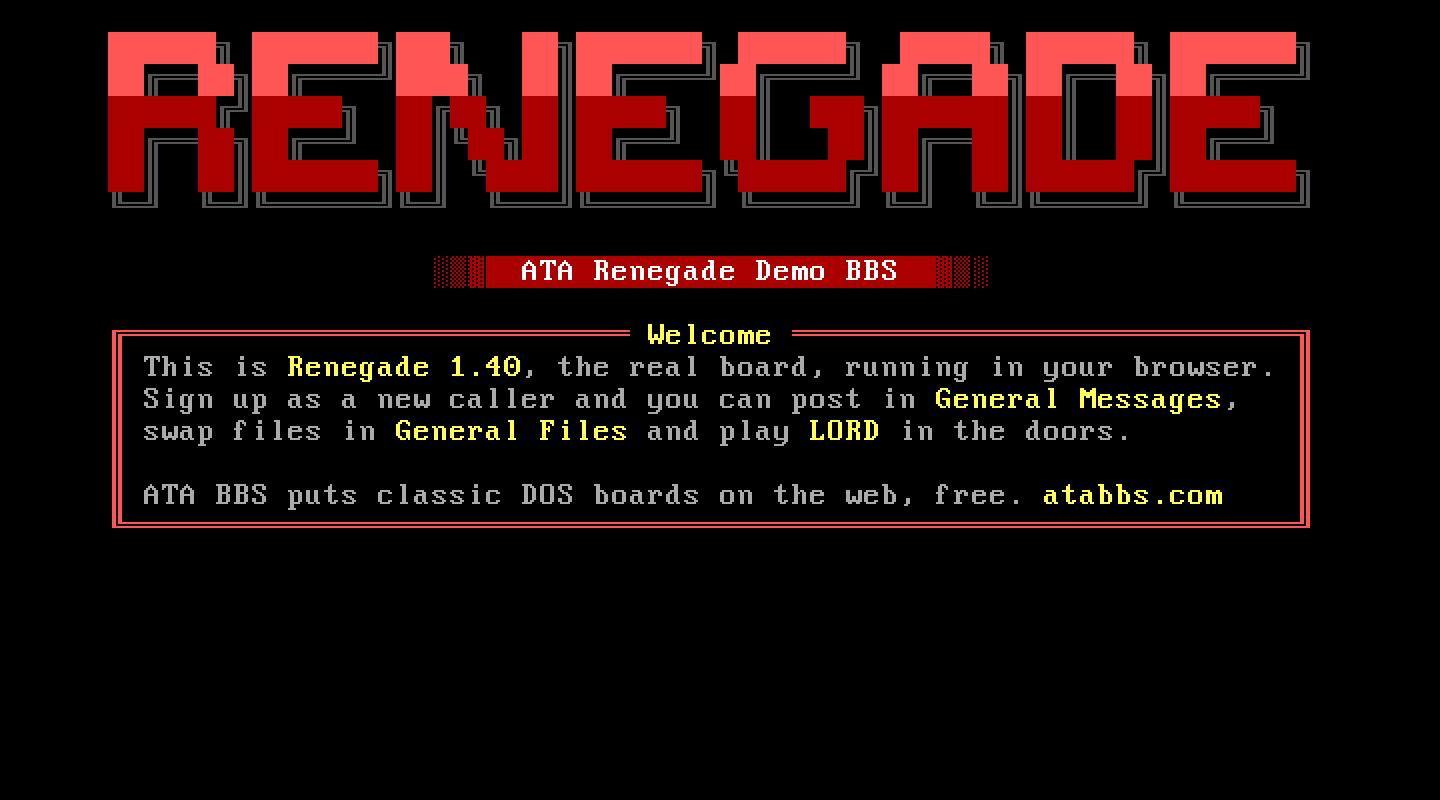
At a glance
- Package
- Renegade 1.40 for DOS, the Renegade Development Team (rgbbs.info), distributed with the maintainer's permission
- Lines
- Six on a fresh install, up to 255. Each line has its own node record (
DATA\NODE<n>.DAT) and temporary directory, as RGCONFIG would set them up. Proven: six. - Starting account
- RENEGADE SYSOP, plus Renegade's system password at a second prompt
- Callers page you with
- C, Contact SysOp, at the main menu
- Console keys
- Answer, Break in and Leave: Alt and C (the package's chat toggle)
The board
What ATA set up. The tree exactly as Renegade's installer lays it out; the system password set to something private (the shipped one matched the seed user's password); the one file area pointed at D:\R\NEWUP\ (it named a folder the install never makes); the protocol picker's descriptions written in (the shipped protocol list showed nothing); node records for every line; and an empty batch-download queue file (without it, D inside the file lister crashed the board).
The DOS page. "WFC" is Renegade's waiting-for-caller screen with its sysop menus. "Local logon" boots it and types SPACE and Y for you (Renegade's local logon from the waiting screen). "DOS prompt" is a plain prompt.
Making it your own. Renegade configures itself from inside: the waiting screen's sysop menus hold the board name, security levels, menus and message bases. Its data and menu files are its own; no text files need editing by hand. R\TEXT\RGLNG.TXT is every string a caller reads.
Callers. A caller types their handle or number at the logon prompt, then the password; a new caller types NEW. A SysOp-level account is asked Renegade's system password next. New members get the access Renegade's own validation table gives new users. Renegade's daily time allowance is finite even for the seed SysOp: a very long day of testing ends in Renegade's own "out of time" hangup; raise the time in the user editor.
Paging. Renegade asks the caller why, then rings. Its ring is short on this machine (its pager counts with a Turbo Pascal delay that runs fast here) and goes straight to "Send mail to the SysOp?", but Alt and C starts the chat from that question too, so Answer the page still works. Scroll Lock on the board's own screen turns its pager off.
Files. Renegade's own Zmodem driver (ZM.EXE) moves the files; it is the protocol that works on a stock Renegade. Uploads land in R\NEWUP.
Legend of the Red Dragon on Renegade 1.40
The steps every board shares (getting LORD, LORDCFG, the wrapper batch) are in the door guide. This is what is particular to this board.
Drop file: DOOR.SYS, in each line's own temporary folder, D:\RENEGADE\TEMP1\ for line 1, D:\RENEGADE\TEMP2\ for line 2, and so on (that is item B of each node's configuration, as installed). LORDCFG: (9) DOORSYS, path d:\renegade\temp1\ for node 1, d:\renegade\temp2\ for node 2, and so on.
Batch: D:\R\DOORS\LORD.BAT (make the DOORS folder in R):
@ECHO OFF
D:
CD \DOORS\LORD
CALL START.BAT %NODE%
CD \R
Two system toggles first. On the DOS page, boot "WFC", press S (System Configuration), then E (System Toggles):
- R, Swap Shell Function: On. With it off, Renegade cannot fit LORD in memory and fails silently: the caller just sees the menu again.
- D, Use EMS for overlay file: Off. The machine has no expanded memory.
The Games Menu. Renegade 1.40 already ships a Games Menu (menu 17) and a main menu entry "(O) Gaming Menu", both at ACS s50. If every member should get in, set both to s0 (always true; easier than blanking the prefilled field).
The door command. From the WFC press # (Menu Editor), open the Games Menu and insert a command:
1. Long descript : (L) Legend of the Red Dragon
2. Short descript: (L) LORD
3. Menu keys     : L
4. ACS required  : s0
5. Cmdkeys       : DG
6. Options       : doors\lord.bat
DG means "write DOOR.SYS, then run the Options line". The menu editor saves as you go. Do not put %N in the Options line, even though the stock fishing-game template does: it crashes Renegade 1.40's door exec (a SYSTEM MALFUNCTION banner and the caller dumped to the prompt). The batch takes the line number from %NODE% instead.
How callers get there. O at the main menu for the Gaming Menu, then L.