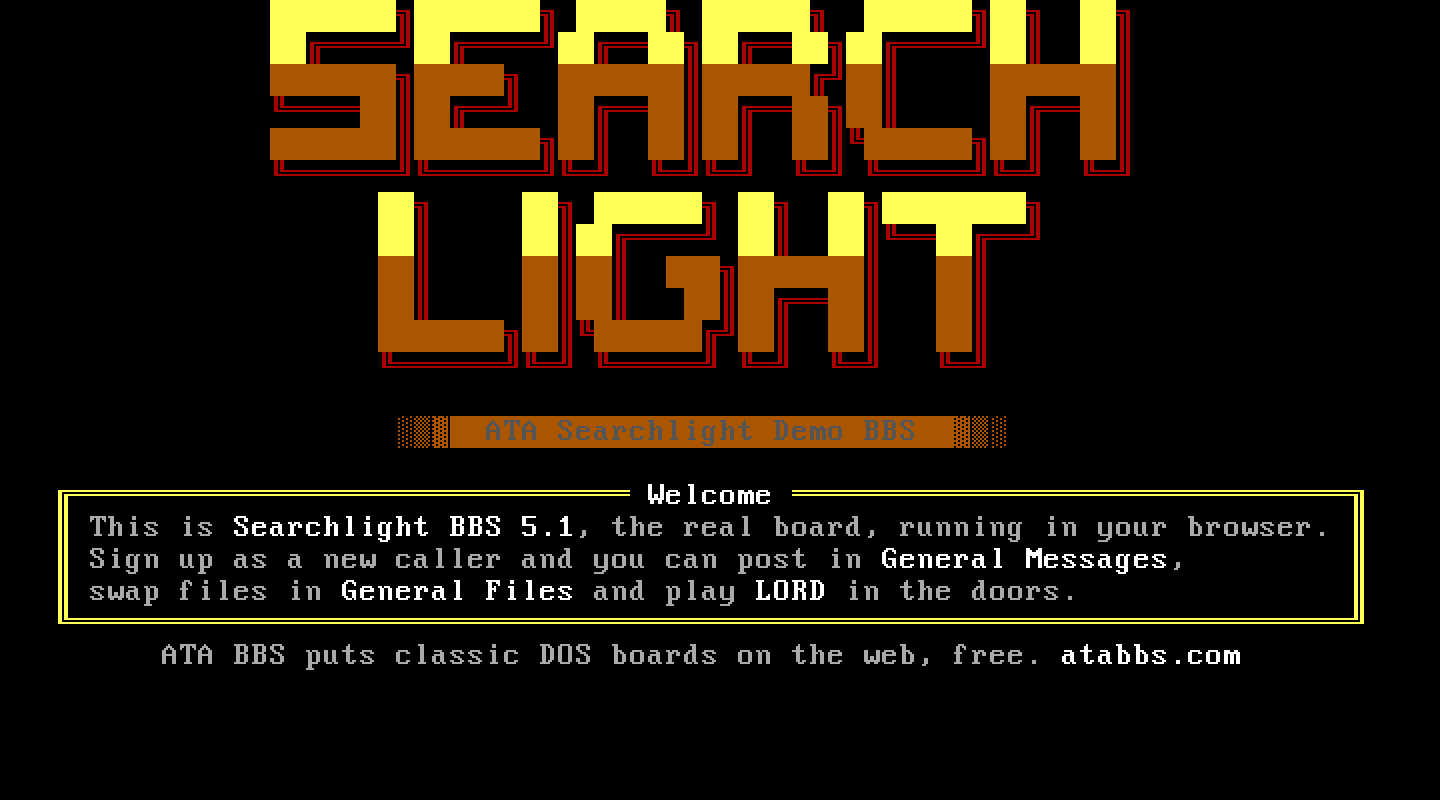
At a glance
- Package
- Searchlight BBS 5.1, Searchlight Software, Inc., with TeleGrafix Communications, Inc.; registered with the serial number and activation code its long-time maintainer released
- Lines
- Six on a fresh install, up to 99 (registered for unlimited nodes). Each line runs from its own
SLBBS\NODE<n>with its own copy of the configuration; ATA sets a new line up at its first call. Proven: six, and line 7 at its first call. - Starting account
- SYSOP
- Callers page you with
- Chat at the main menu, then 0 at its node list
- Console keys
- Answer: Alt and C. Break in: Alt and C. Leave: Esc.
The board
What ATA set up. The package's own install, registered with the released code; "return to DOS on logoff", so a line closes when its caller leaves; the SysOp marked available, so a page rings rather than telling the caller nobody is in; and each line's own directory and configuration copy, with the node tables pre-sized for every line.
The DOS page. "Searchlight, local logon" logs you on at the board's keyboard and answers N to Local RIP mode for you. "CONFIG" edits line 1's configuration. Goodbye returns to DOS.
Making it your own. CONFIG edits SLBBS\CONFIG.SL2: the system name, new-user levels, file directories, conferences and the Menu Editor. Each line past the first has its own copy; to change one, type SET SLBBS=D:\SLBBS\NODE2 and then CONFIG at the DOS prompt. The screens callers see are text files in SLBBS\TEXT.
Callers. Yes/No questions are bars ("? Yes No [Quit]"); menus are word menus where a letter then Enter picks. The name prompt ends in ">". A new caller fills in Searchlight's full-screen registration form; new members get the levels, attributes and time limits CONFIG's New User settings give. "Disconnect after Upload/Download?" defaults to Yes.
Files. Searchlight runs Xmodem, Xmodem/CRC, Xmodem/1K and Zmodem itself (the picker takes X, C, 1 or Z alone). Every caller's machine reads the board's files, so Searchlight's file passwords and its upload quarantine password do not hide a file on ATA: check uploads by hand in the file area, and never put a password you use anywhere else in those fields.
Paging. Searchlight's chat is split screen; Esc ends it and returns the caller exactly where they were.
Legend of the Red Dragon on Searchlight BBS 5.1
The steps every board shares (getting LORD, LORDCFG, the wrapper batch) are in the door guide. This is what is particular to this board.
Drop file: DOOR.SYS, in each line's home folder: D:\SLBBS\ on line 1, D:\SLBBS\NODE2\ on line 2, and so on. LORDCFG: (9) DOORSYS, path d:\slbbs\ for node 1, d:\slbbs\node2\ for node 2, and so on.
Batch: D:\SLBBS\LORD.BAT. Searchlight starts each line from its own folder (in the SLBBS variable), so the batch returns there:
@ECHO OFF
D:
CD \DOORS\LORD
CALL START.BAT %NODE%
CD %SLBBS%
The menu entry. Searchlight runs a door as a menu command of type Door: it writes the drop file, hands the door to its resident kernel, and starts the board again afterwards. On the DOS page press CONFIG, open the Menu Editor, edit the DOORS menu (reached with D from the main menu), and add a command:
- Name:
LORD; Hotkey:L; Description:Legend of the Red Dragon - Access levels: 0 to 255
- Type: Door
- Command:
A:\COMMAND.COM /C D:\SLBBS\LORD.BAT - Directory:
. - Communications support: None (LORD talks to the FOSSIL itself)
- Abort method: Terminate (never Reboot: that would restart the caller's machine)
- Write protection: Off
- Parameter file: DOOR.SYS
The menus are shared by every line, so this is done once.
How callers get there. D at the main menu for Doors, then L.